Webflow to Next.js and Sanity: When the Move Actually Makes Sense
Many teams do not leave Webflow because they dislike it.
They leave because the site outgrows what Webflow is good at.
What starts as a fast visual site often becomes harder to manage once the content model gets more complex, the marketing team wants more flexibility, and the business wants better control over performance and structured content.
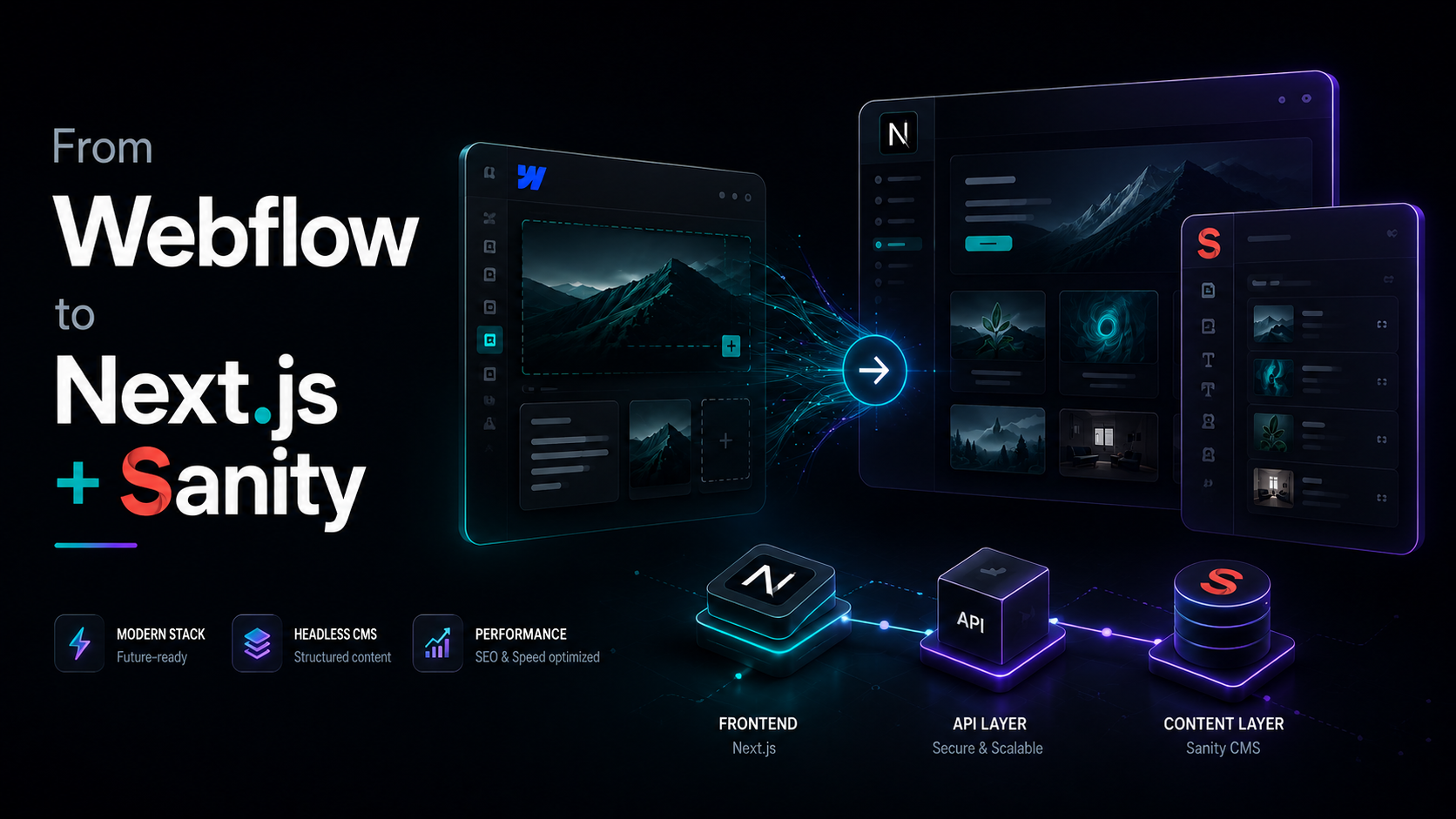
If that is where your team is right now, moving to Next.js and Sanity can be a smart next step.
But it is not the right move for everyone.
This guide explains when the migration makes sense, what problems it solves, and what to think about before rebuilding.
Why teams start looking beyond Webflow
Webflow is strong when a team wants visual control, quick publishing, and an all-in-one workflow.
The problem starts when the site becomes more than a marketing website with simple collections.
A real example from a Webflow-to-Sanity migration described Webflow limitations like primitive data modeling, weak reusable component systems, reference-field restrictions, and a developer bottleneck where only one person could use Designer mode at a time.
For growing teams, those problems become expensive.
A content operation that needs reusable sections, more structured relationships, or collaboration across multiple contributors eventually starts feeling blocked by the tool instead of supported by it.
Signs Webflow is becoming the bottleneck
Here are the signs that usually show up first:
- Your content model is becoming more complex than simple CMS collections.
- Your team wants reusable content blocks, nested content, or richer relationships.
- The site needs more custom frontend behavior than Webflow handles comfortably.
- Publishing and editing workflows are starting to slow down the team.
- SEO, performance, and frontend flexibility now matter more than visual convenience.
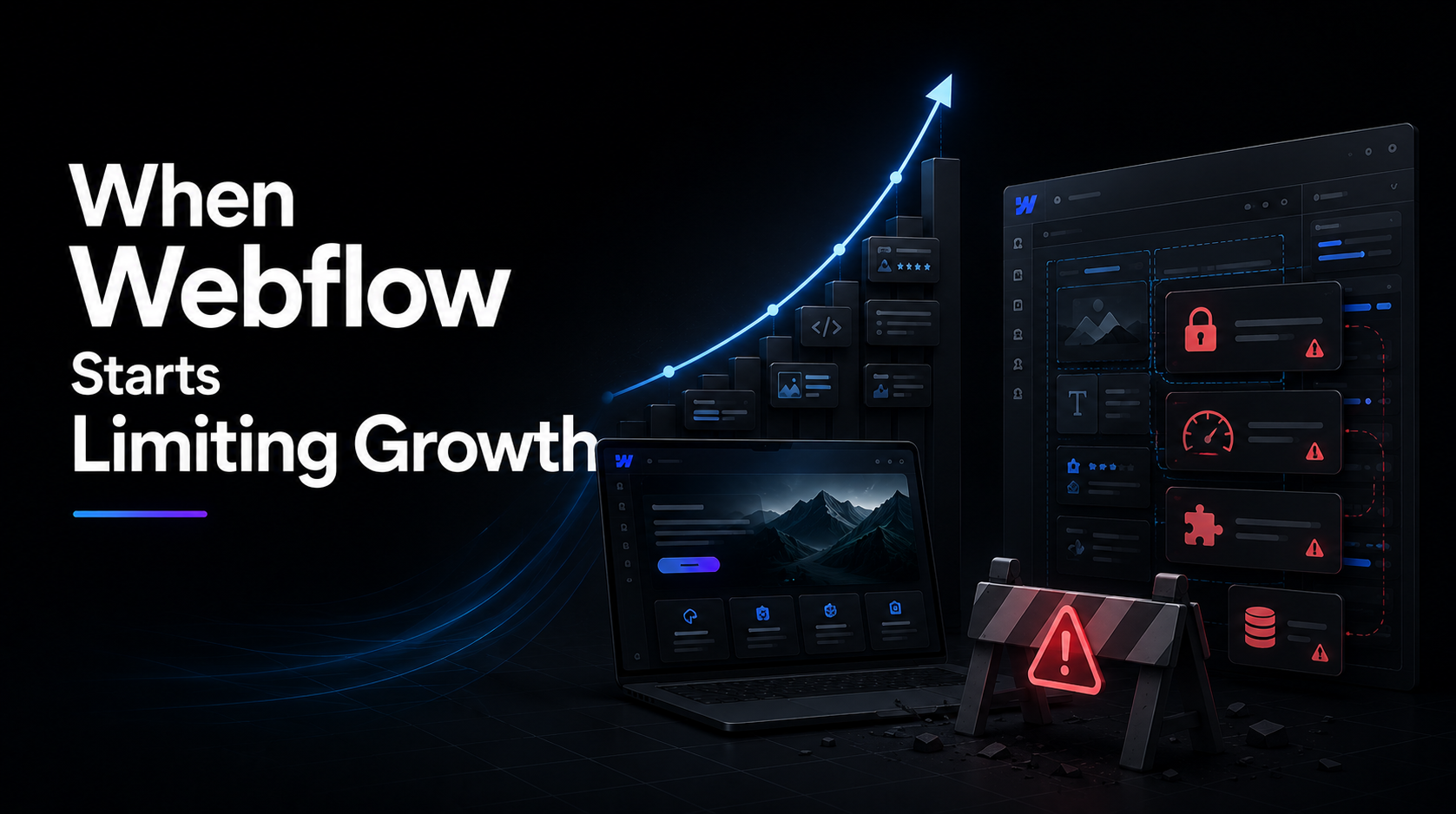
This is usually the point where teams start comparing Webflow with a custom frontend and a headless CMS.
Why Next.js and Sanity are a common destination
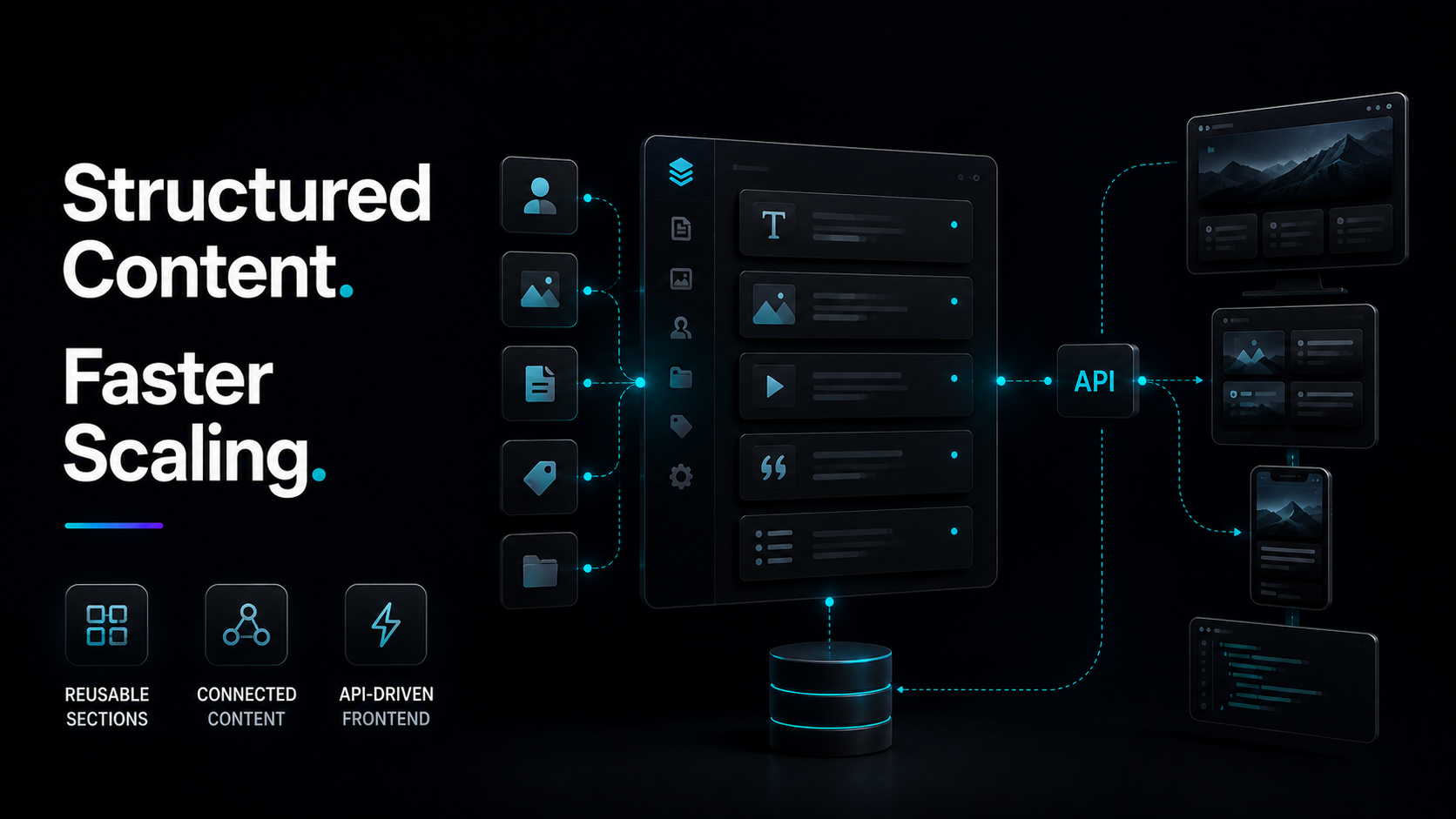
Next.js gives teams far more control over frontend performance, rendering strategy, and component architecture than a visual builder does. Sanity gives teams a structured, API-first content layer with schema-based modeling, real-time collaboration, and content reuse across channels.
Together, that stack solves the exact issues many scaling teams hit inside Webflow:
- Developers can build a proper component system.
- Content editors get a more structured editorial workflow.
- Marketing teams can work with content designed around business needs, not just collection limits.
- The website becomes easier to scale across landing pages, resources, blogs, and custom sections.
What gets better after the migration
The biggest change is not only performance.
It is control.
With Next.js and Sanity, teams can model content more precisely, build reusable page sections, and reduce the need for fragile workarounds. Sanity is especially useful when the business needs structured content, custom workflows, and collaboration that goes beyond basic page editing.
That means the site can support:
- reusable page builders,
- modular landing pages,
- author and category relationships,
- SEO fields designed for your workflow,
- custom validation and editorial structure,
- future expansion into apps, email, or other channels.
When this move is worth it
A Webflow to Next.js and Sanity migration usually makes sense when the business has already outgrown easy visual editing as the main priority. It is a stronger fit when the team needs custom frontend control, structured content, and a system that can scale with content operations over time.
This is usually true for:
- B2B SaaS companies with large marketing sites,
- content-heavy startups,
- multi-page SEO programs,
- brands with custom calculators, tools, or dynamic sections,
- teams building a longer-term content engine.
Quick next step
If your Webflow site is starting to feel harder to scale than it should, the smartest first move is not a blind rebuild.
It is a practical migration review.
That usually means checking which pages matter most, where the content model is breaking down, and whether a Next.js plus Sanity setup would actually improve the editing and publishing workflow.
When it is not worth it
The move is not always the right answer.
If the site is still simple, the team depends heavily on no-code editing, and there is no budget for development support, staying in Webflow can still be the better option. Sanity is powerful, but it does require a frontend build and developer involvement to set up properly.
That is why the best question is not Is Sanity better than Webflow?
The better question is: Has the current site reached the point where flexibility, structure, and scale matter more than visual convenience?
A practical migration path
A cleaner migration usually looks like this:
- Audit the current Webflow structure.
- Identify repeatable content patterns.
- Design a Sanity schema around real editorial needs.
- Rebuild the frontend in Next.js with reusable components.
- Migrate content carefully, including redirects and SEO metadata.
- Launch with a workflow the marketing team can actually use.
Need help deciding?
If you are comparing Webflow against a more scalable setup, a short planning call can save a lot of wasted rebuilding time.
That is especially useful when the real problem is not design, but content structure, team workflow, and future growth.
Frequently Asked Questions
Is Webflow bad for growing websites?
No.
It is still a strong tool for many sites, but some teams eventually outgrow its content and customization limits.
Does Sanity replace Webflow completely?
Not by itself.
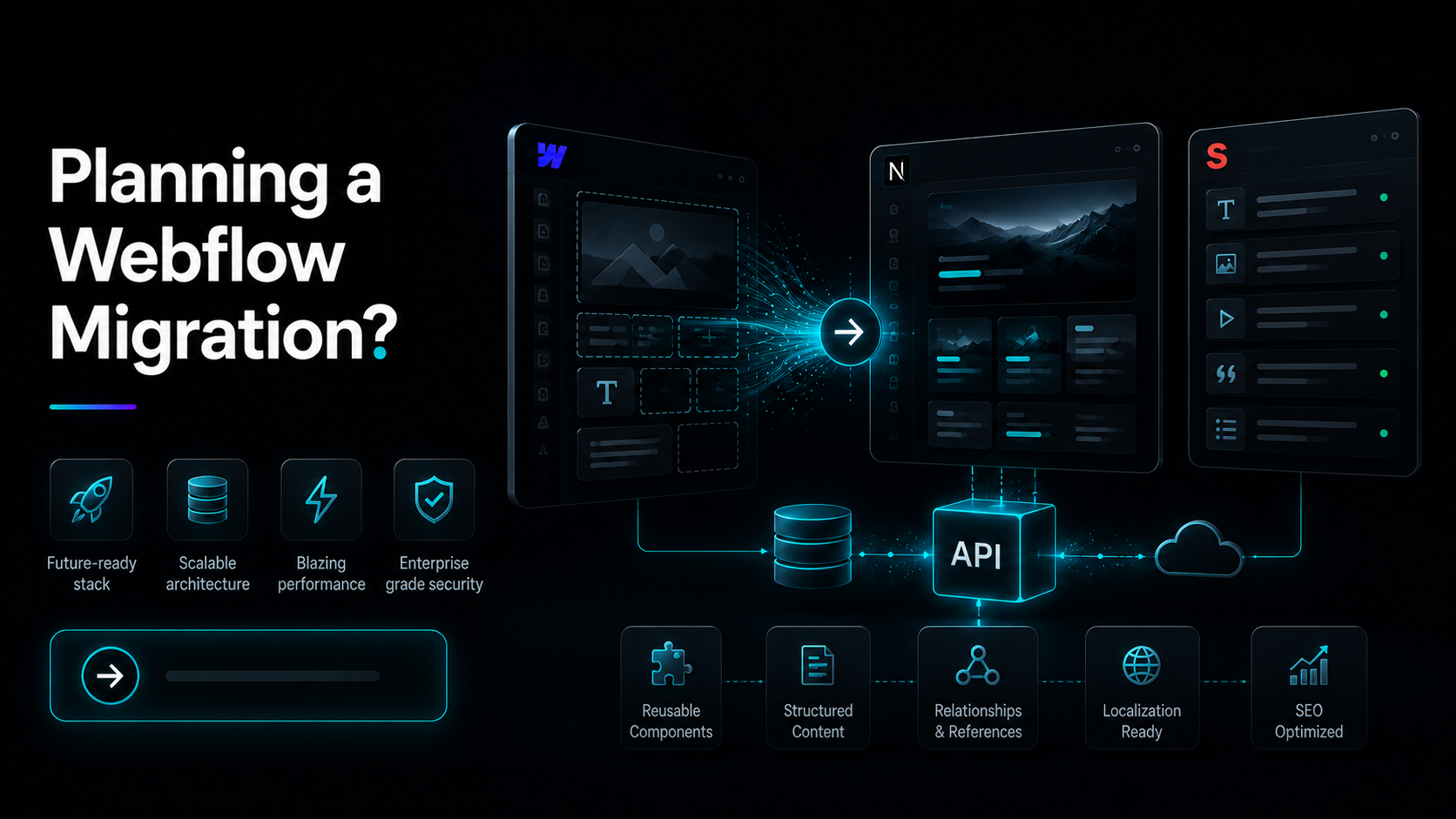
Sanity is the content layer, so it still needs a frontend like Next.js and hosting such as Vercel or another platform.
Is this migration mainly about speed?
Speed matters, but the bigger reason is usually content structure, editorial flexibility, and frontend control.
Conclusion
Webflow to Next.js and Sanity is not a trend move.
It is a scale move.
When the site needs structured content, reusable components, stronger workflows, and more frontend freedom, this stack starts making much more sense than forcing Webflow to keep doing a job it was not designed to handle long term.