Headless CMS Migration for Small Agencies and Website Owners: How to Improve SEO, Speed, and Editing Workflow
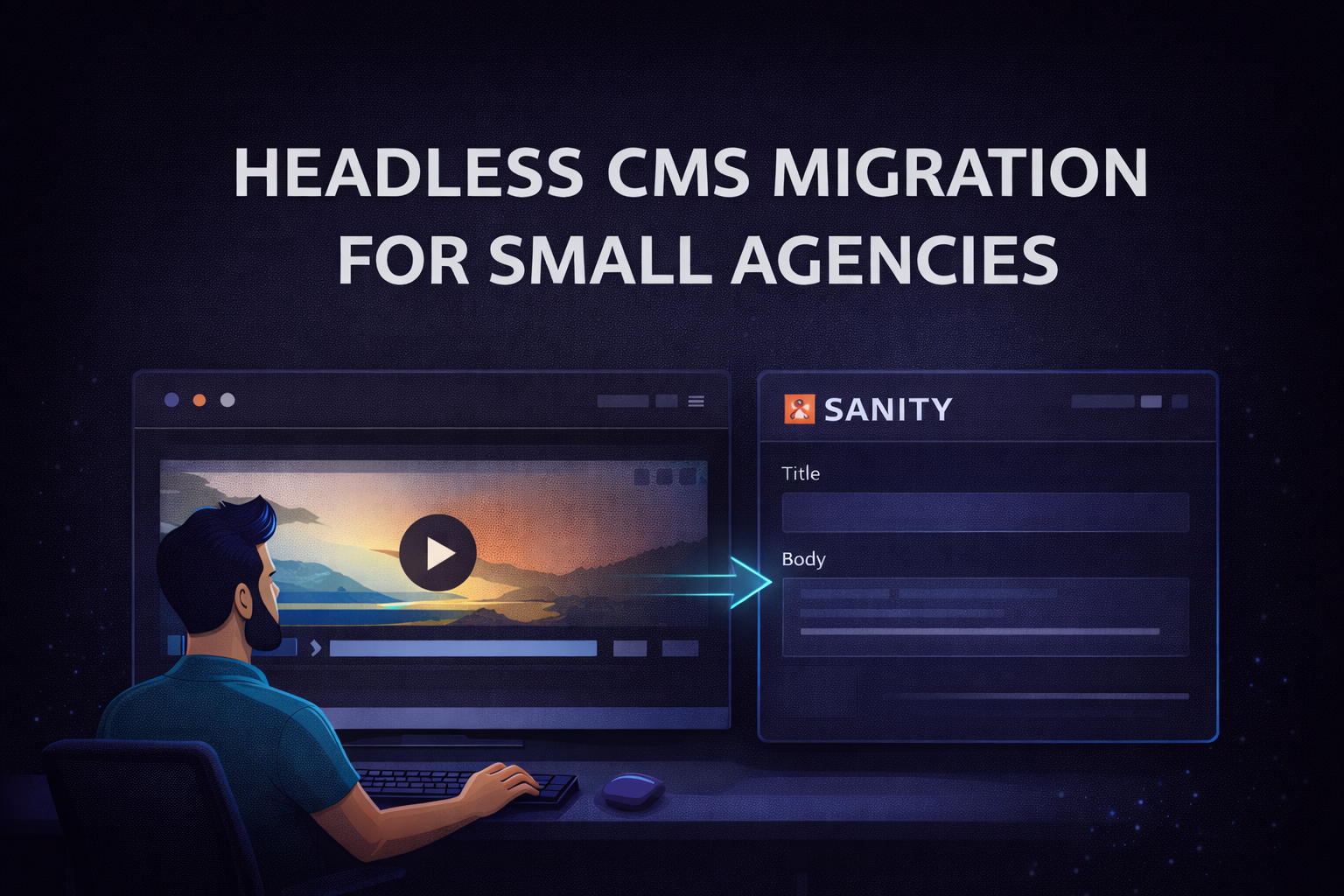
If you are a small agency, website owner, or founder and your website is getting harder to manage, a headless CMS migration may be the right next step.
Many businesses reach a point where the current setup starts causing problems:
- content updates take too long,
- the website feels slow,
- developers are needed for small edits,
- SEO gets harder to maintain,
- and the workflow becomes messy.
That is where headless CMS migration can help.
This guide explains how a headless CMS migration can improve SEO, website speed, and content editing workflow for small agencies and website owners.
What is headless CMS migration?
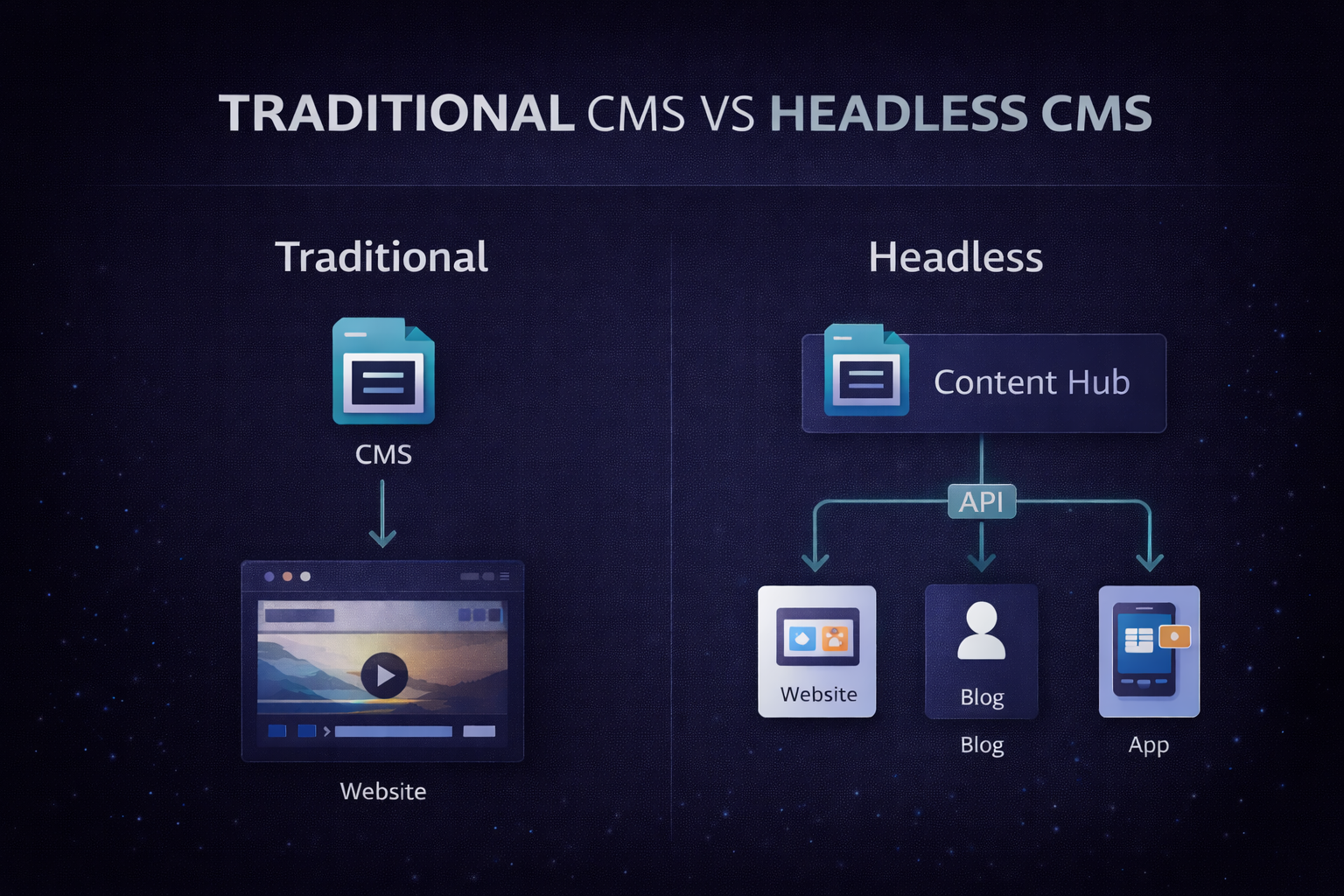
Headless CMS migration means moving your content from a traditional CMS or legacy website setup into a headless CMS system, while connecting it to a modern frontend like Next.js or Astro.
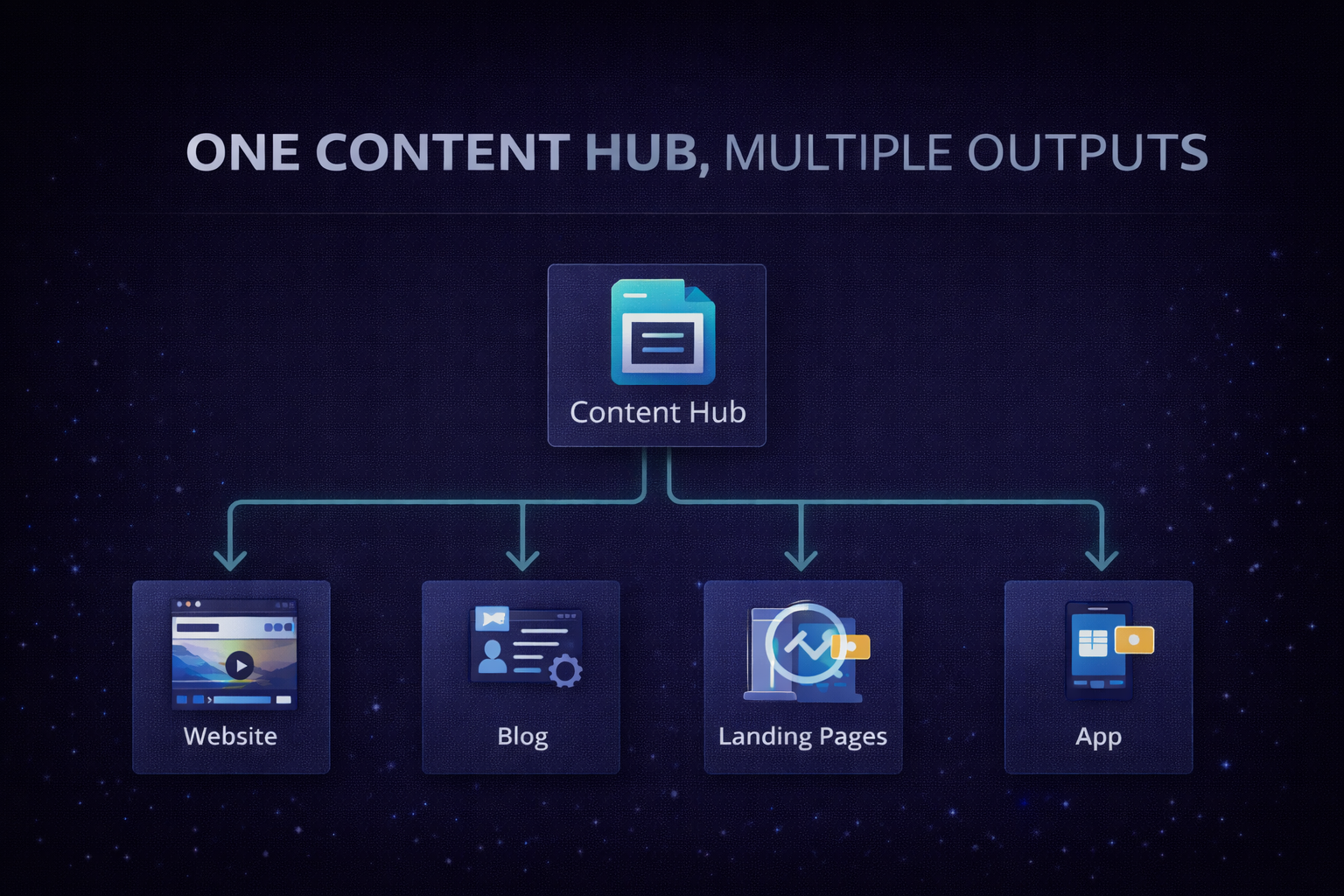
Instead of keeping content and design locked together, the content is stored separately and delivered to the website through an API.
This gives you:
- more flexibility,
- faster frontend performance,
- better content reuse,
- and a cleaner editing workflow.
For many businesses, this is a better long-term setup than a traditional CMS.
Why businesses choose headless CMS
Businesses usually do not choose headless CMS because it sounds modern.
They choose it because they need:
- faster content publishing,
- better website performance,
- cleaner content structure,
- easier updates for blog and landing pages,
- less dependency on developers,
- and a more scalable system.
If your team is tired of waiting for small edits or struggling with slow page updates, a headless CMS migration can be a practical solution.
When headless CMS is a good fit
A headless CMS is a strong choice when:
- the website changes often,
- the content needs to be reused across pages,
- SEO and speed are important,
- the business plans to grow,
- the team wants a cleaner workflow,
- or the current CMS feels too limiting.
This is why many small agencies, content-heavy businesses, and founders look at headless CMS migration as a smart upgrade.
When you may not need it
Headless CMS migration is not right for every website.
You may not need it if:
- your website is very small,
- you rarely update content,
- you want the simplest possible setup,
- or your budget is limited.
If the current CMS already works well and the team is happy with it, there may be no need to switch.
The right choice depends on the business problem, not on the trend.
Common migration mistakes
A bad migration can hurt your traffic and workflow.
The most common mistakes are:
- moving content before planning the structure,
- rebuilding the frontend too early,
- forgetting SEO redirects,
- losing metadata,
- making content editing harder,
- and choosing tools before mapping the workflow.
A good migration should protect your current rankings while improving the way the site works.
Why SEO matters in headless CMS migration
SEO is one of the biggest reasons people hesitate to migrate.
If a migration is handled badly, it can affect:
- rankings,
- traffic,
- page URLs,
- internal links,
- metadata,
- and page speed.
That is why a headless CMS migration SEO strategy is essential.
To protect SEO, you need:
- proper redirects,
- consistent metadata,
- clean page structure,
- fast performance,
- and a careful content transfer process.
Best stack for headless CMS migration
The best stack depends on the project, but these are common choices:
Sanity + Next.js
Great for flexible content modeling and clean editorial workflows.
Contentful + Next.js
Good for structured teams that need stronger governance.
Strapi + Next.js
Useful for clients who want control and self-hosting.
Payload + Next.js
Strong for modern developer-friendly builds.
Astro + headless CMS
A good fit for lightweight marketing websites that need speed.
For many small agencies and website owners, Sanity CMS migration with Next.js is one of the most practical options.
Benefits for small agencies
If you run a small agency, headless CMS migration can help you:
- deliver projects faster,
- create reusable systems,
- reduce maintenance work,
- support clients better,
- and offer a more modern service.
This can make your agency more efficient and more valuable to clients.
Benefits for website owners
If you own a website, the main benefits are:
- faster publishing,
- easier content editing,
- better performance,
- less developer dependency,
- and more control over future growth.
A better workflow means less time lost on small changes and more time focused on the business.
My approach
When I help with headless CMS migration, I focus on:
- understanding the current website,
- mapping the content structure,
- choosing the right CMS,
- building the frontend cleanly,
- and protecting SEO during migration.
The goal is not just to move the website. The goal is to make it easier to manage, faster to update, and safer to scale.
Headless CMS migration process
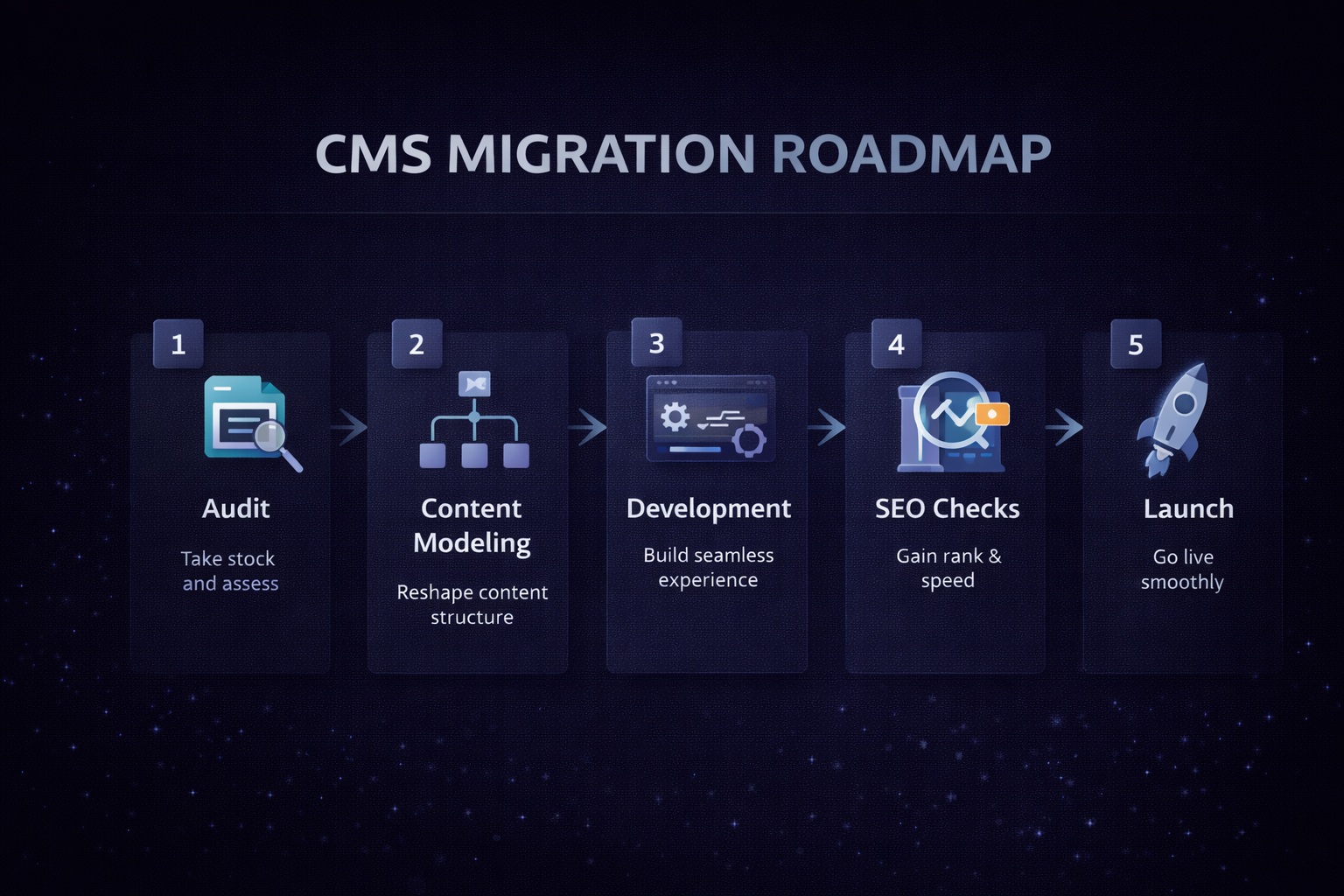
A practical migration usually follows these steps:
1. Website audit
Review the current pages, structure, SEO, and content workflow.
2. Content model planning
Define reusable sections, page types, and content fields.
3. Frontend selection
Choose Next.js, Astro, or another modern frontend based on business needs.
4. CMS setup
Build the CMS so editing is easy and structured.
5. Content migration
Move content in phases to reduce risk.
6. SEO protection
Keep redirects, metadata, and internal links under control.
7. Testing
Check mobile, speed, navigation, and page behavior.
8. Launch and monitor
Watch traffic, indexing, and user behavior after launch.
Final thoughts
A headless CMS migration can be a smart move for small agencies and website owners that want better SEO, faster performance, and a cleaner editing workflow.
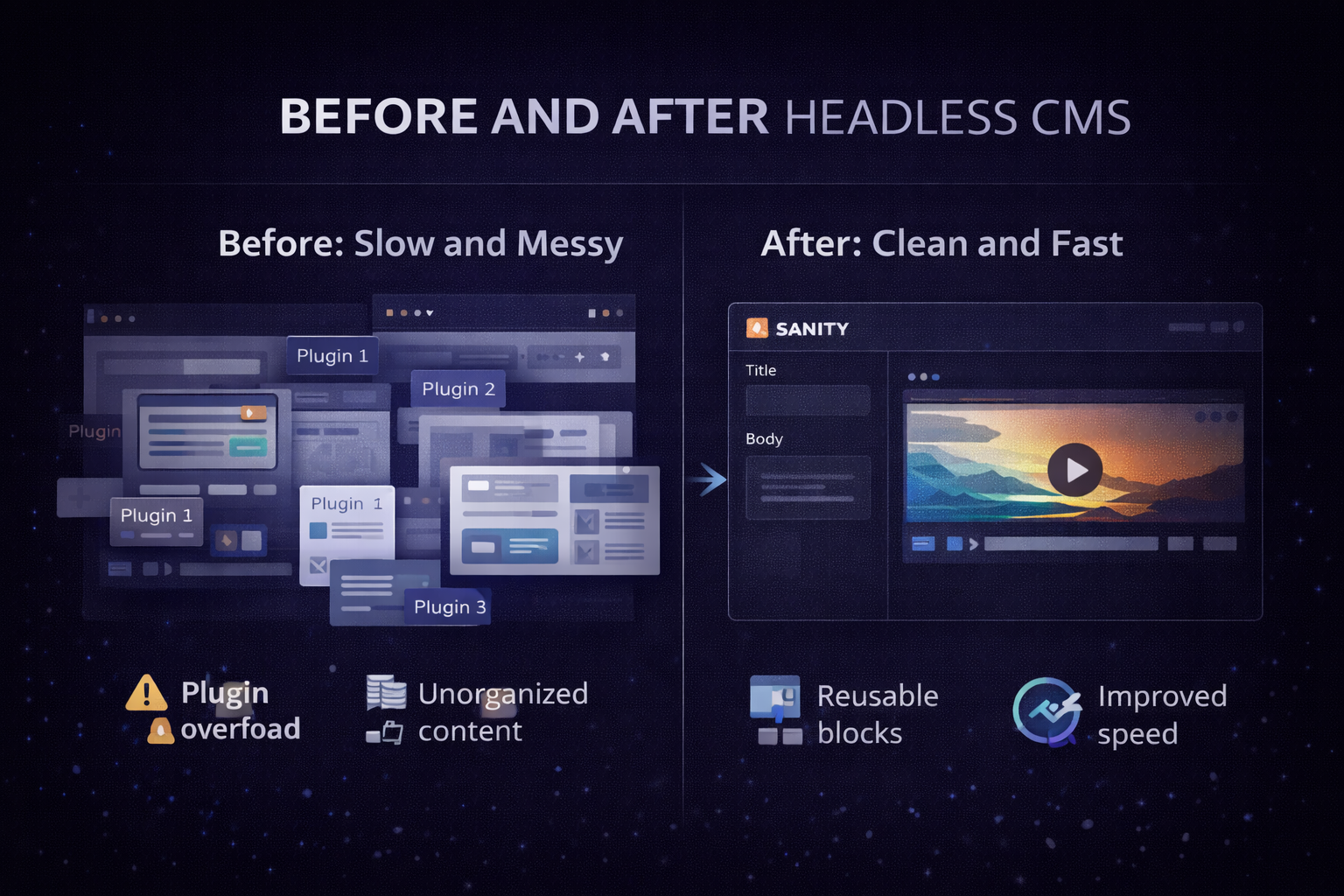
It is not about following a trend. It is about fixing real problems:
- slow updates,
- messy content,
- poor performance,
- and too much dependency on developers.
If your website has outgrown its current setup, a headless CMS migration may be the most practical next step.
If you want help planning a migration, improving your SEO, or choosing the right stack, get in touch and share your current website and goals.