How to Add Sanity CMS to an Existing Next.js or Gatsby Site Without a Rebuild
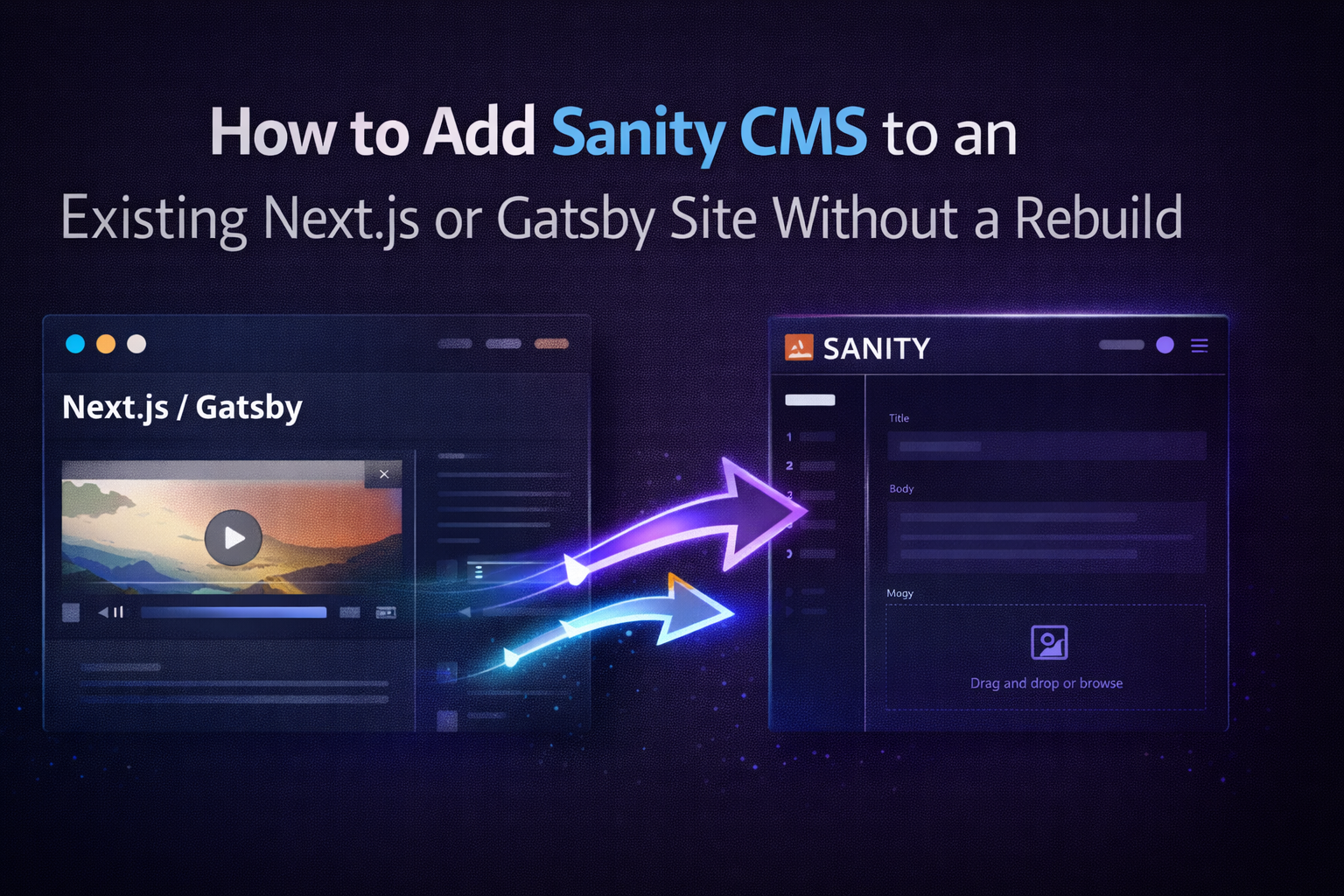
A lot of teams want a better CMS, but they do not want a full rebuild.
That is usually the right instinct.
If the site already performs well and the frontend is not the real problem, the better move is often integration, not replacement.
This is where Sanity CMS fits extremely well.
It can be added into an existing Next.js or Gatsby setup to improve:
- content editing
- publishing workflow
- preview experience
- schema structure
- developer efficiency
without forcing the team to throw away everything that already works.
When Integration Makes More Sense Than Rebuilding
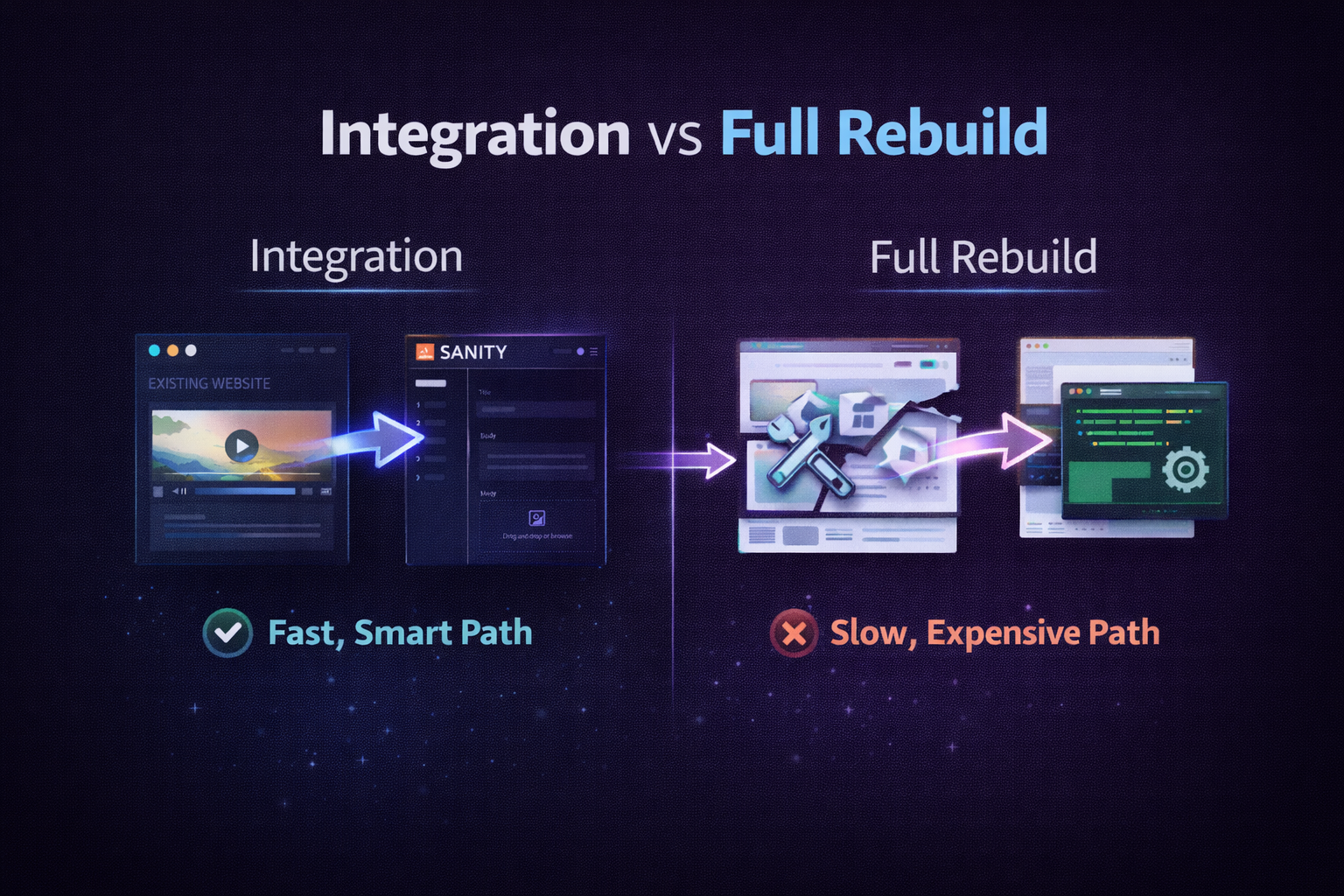
Most teams usually do not need a rebuild if:
- the current frontend is still solid
- performance is already good
- the issue is mostly content workflow
- marketing teams need a better editing experience
- developers are blocked by content requests
In these cases, the real bottleneck is often:
- markdown files
- hard-coded content
- outdated page builders
- developer-dependent updates
That is where a clean Sanity integration becomes valuable.
If that sounds familiar, the most relevant service page is:
Why Sanity Works So Well with Next.js and Gatsby
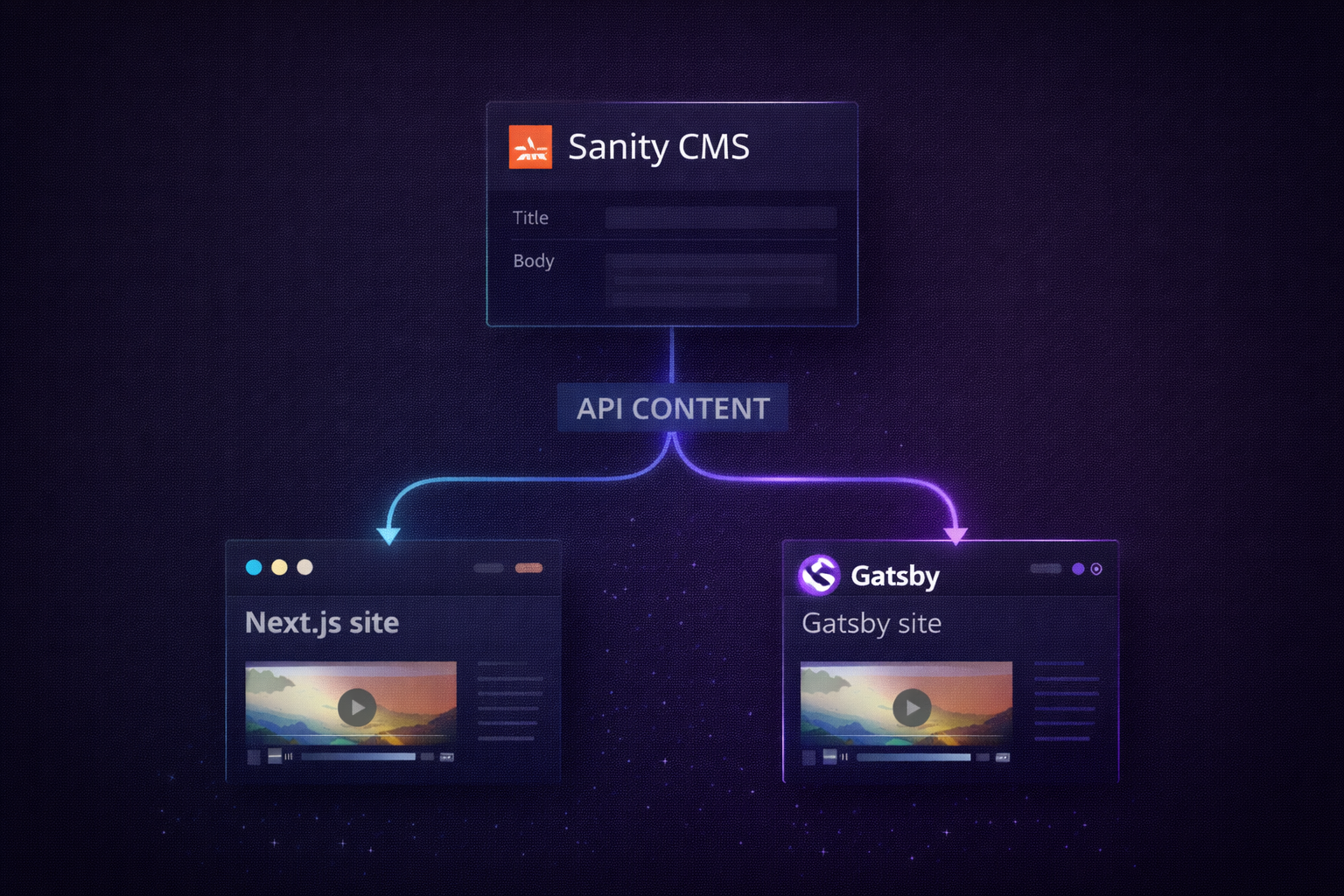
Sanity is API-first, which makes it ideal for modern frontend frameworks.
It connects easily to:
- Next.js via GROQ / client queries
- Gatsby via source plugins
- static sites
- hybrid rendering setups
That means you can keep your frontend and simply upgrade your content layer.
This gives teams the best of both worlds:
- existing frontend stays intact
- content workflow improves dramatically
What a Good Sanity Integration Usually Includes
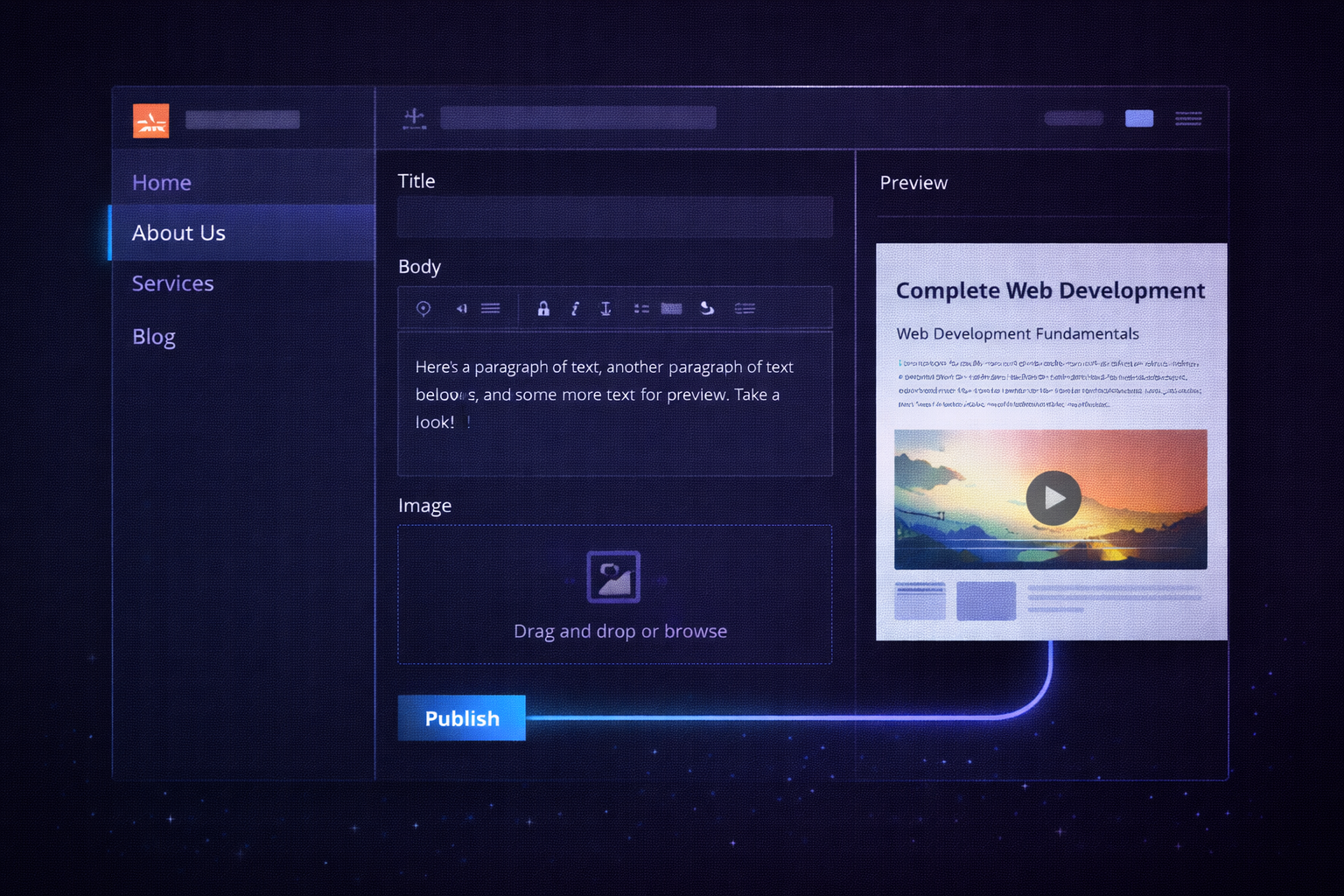
A proper integration is not just:
Connect CMS → render data
It should include:
- content model planning
- schema structure for pages, posts, authors, FAQs
- reusable sections
- preview workflow
- frontend queries and rendering
- editorial handoff
- publishing permissions
The goal is not just to add Sanity.
The goal is to make the site easier for the team to manage.
Common Integration Mistakes
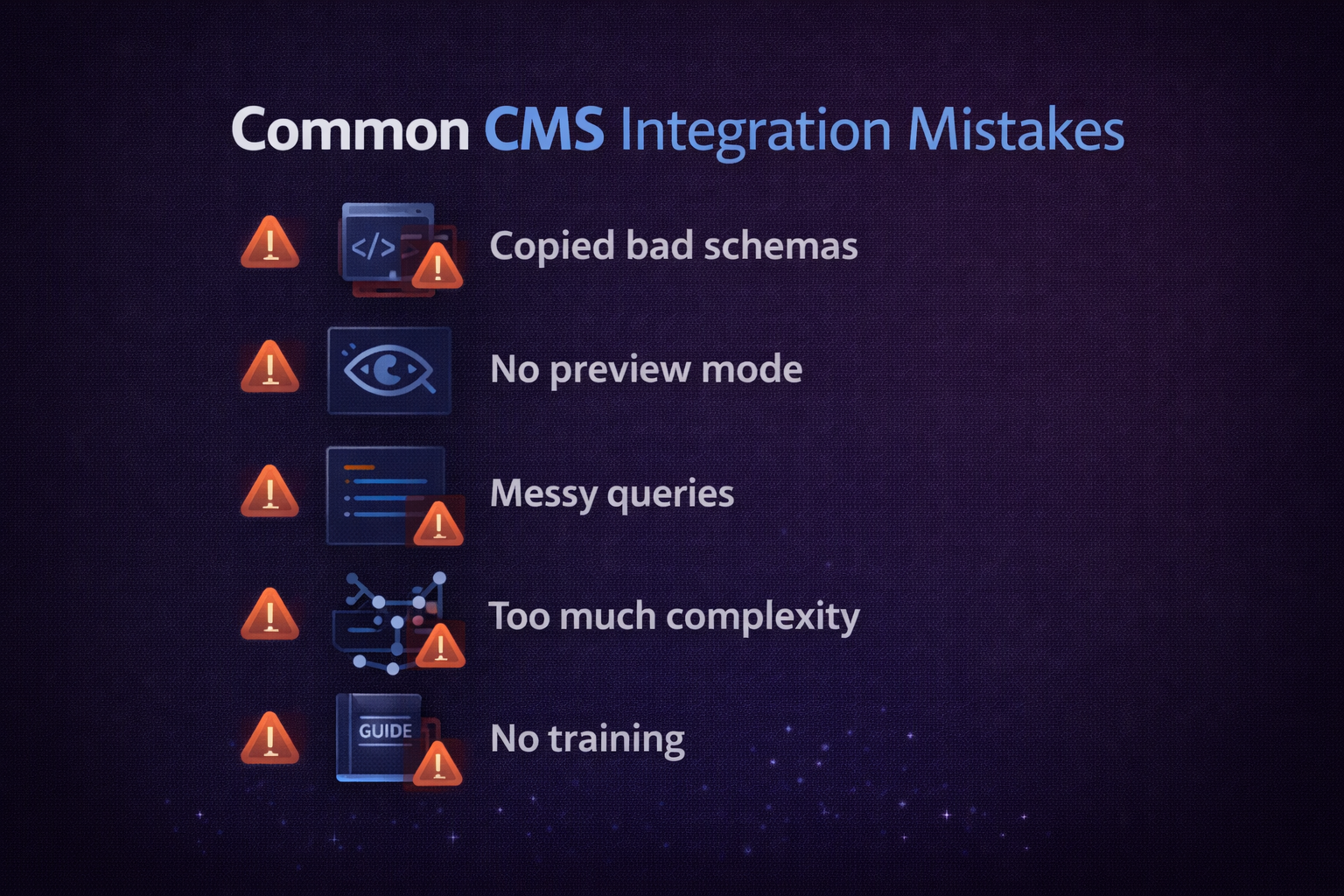
The most common mistakes I see are:
- copying old content models without cleanup
- skipping preview entirely
- queries added without publishing workflow
- too much complexity for a simple site
- no editor training
That is why some teams benefit from starting with:
before moving deeper.
What the Process Usually Looks Like
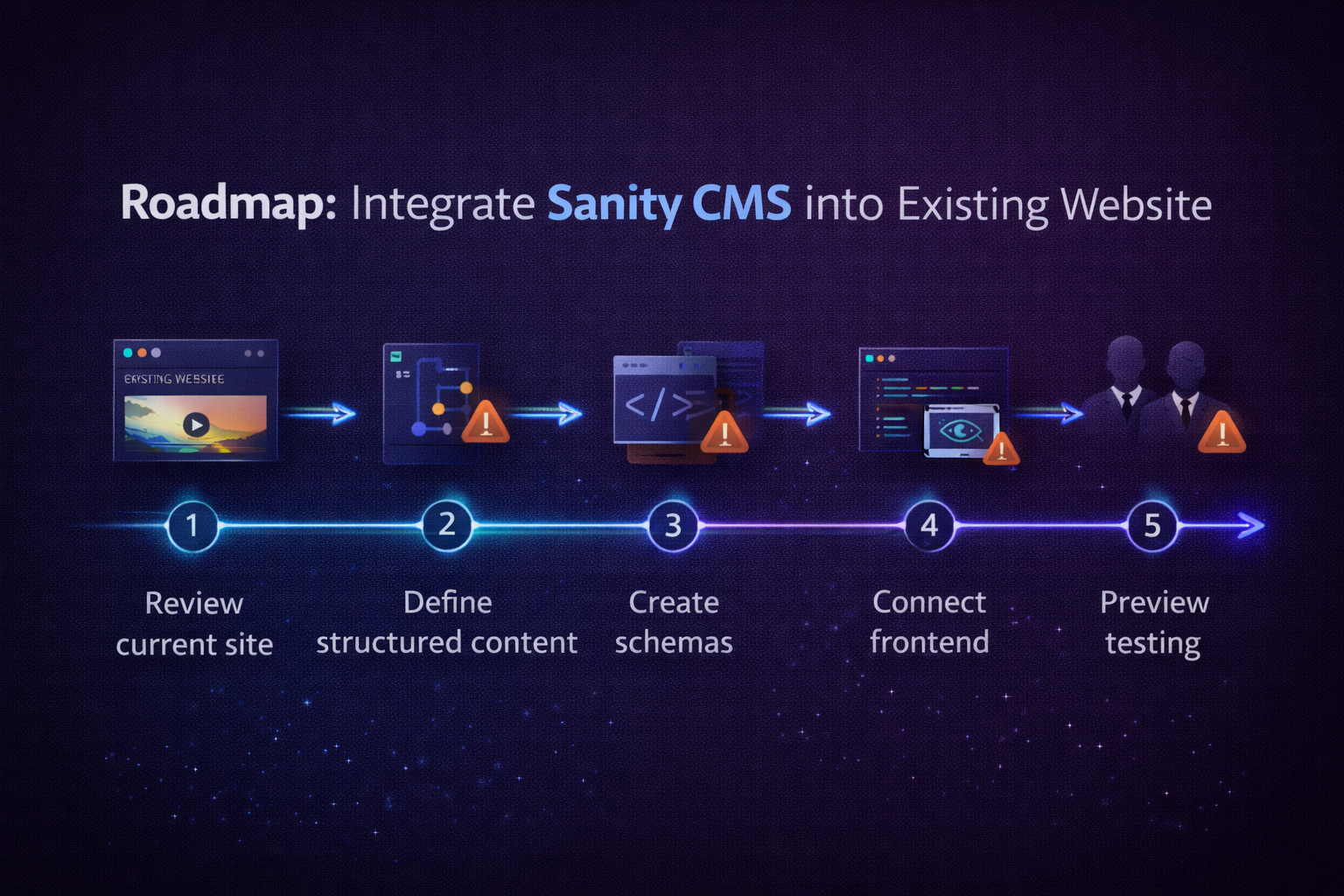
In most projects, the flow is:
- Review the current site and workflow
- Decide what content should become structured first
- Model the content in Sanity
- Connect Sanity to the existing frontend
- Test previews and publishing
- Team handoff and training
If the team is also moving away from a traditional CMS entirely, the next step may be:
rather than integration alone.
Why Teams Like This Approach
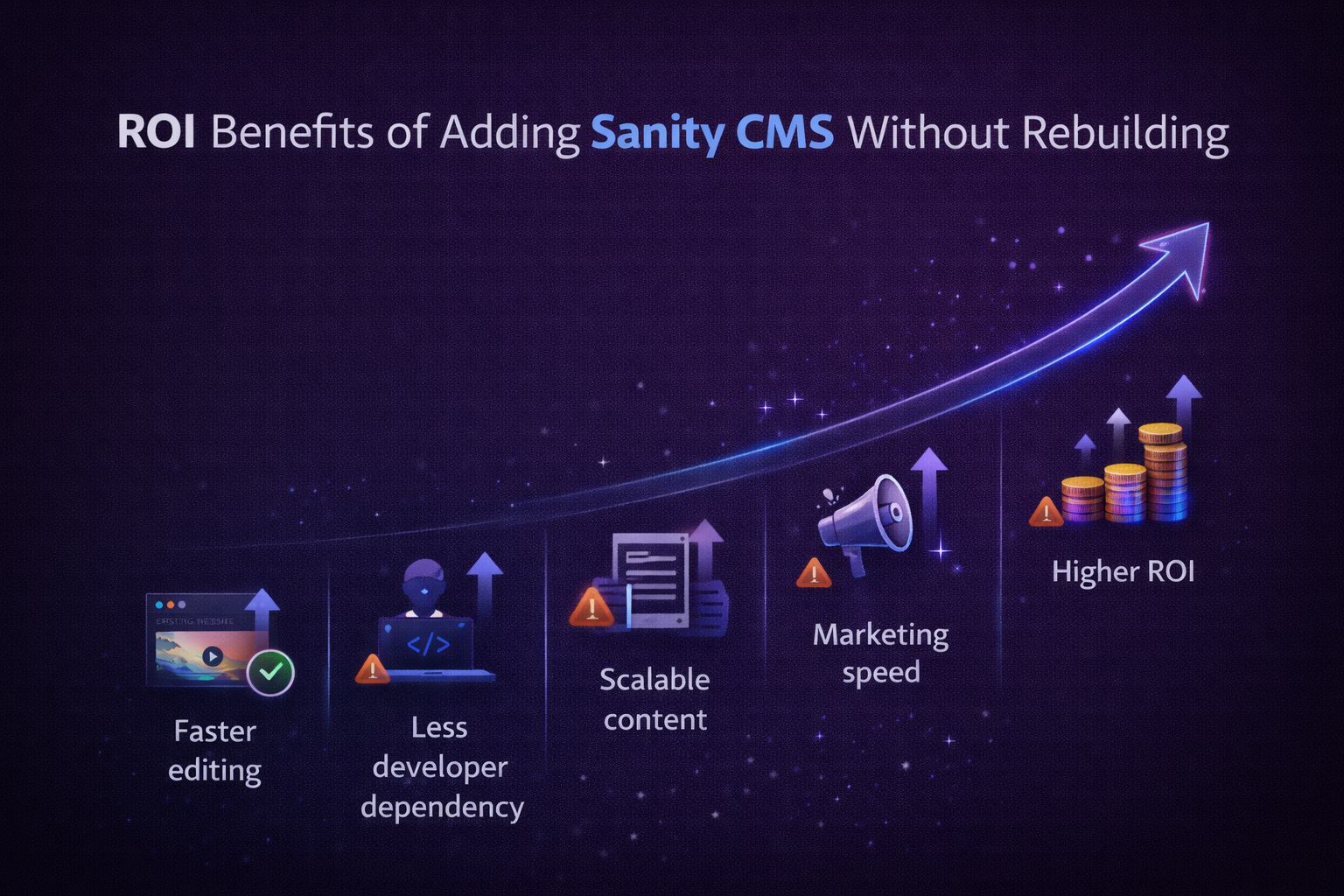
This approach works well because it avoids unnecessary disruption.
Instead of rebuilding everything:
- the site keeps its frontend
- the team gets a better editor experience
- structured content becomes easier to scale
- future changes become less developer-dependent
- marketing moves faster
That is often the highest ROI path.
Next.js Example: Fetching Sanity Content
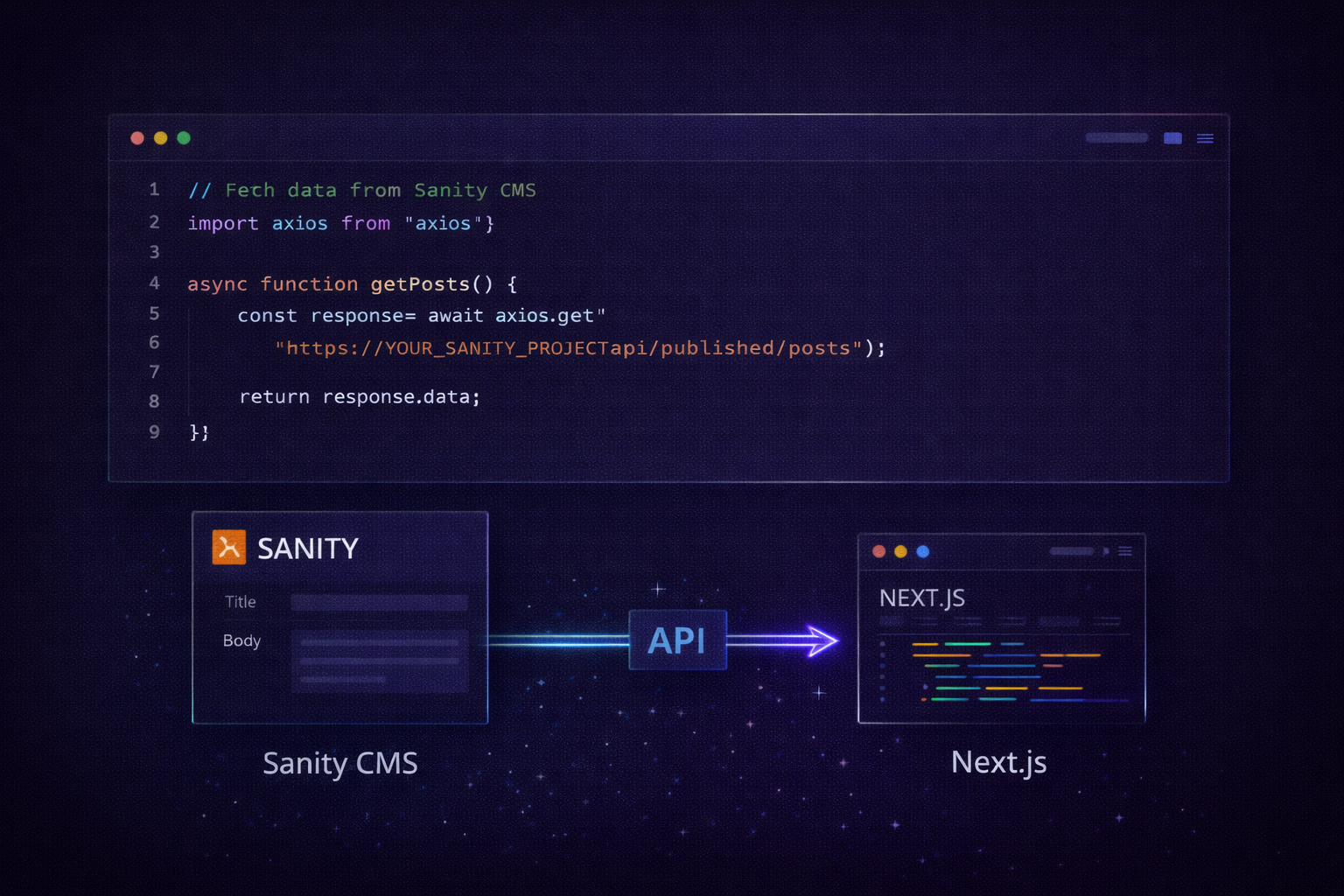
import { createClient } from "next-sanity";

const client = createClient({
  projectId: "yourProjectId",
  dataset: "production",
  apiVersion: "2026-01-01",
  useCdn: true
});

const page = await client.fetch(`*[_type == "page"][0]`);
Conclusion
If the frontend already works, rebuilding everything is often the wrong move.
A cleaner Sanity integration can improve the content workflow without forcing unnecessary disruption.
If you want help evaluating the current setup, start with: